You've been researching AI phone systems for weeks. You understand the benefits: 24/7 availability, never missing another call, automatic appointment scheduling. But there's one question holding you back: "Is this going to be complicated to set up?"
Here's the truth that might surprise you: Setting up an AI phone agent is easier than connecting your wireless printer. Most business owners complete the entire process in under 10 minutes, and you don't need any technical expertise whatsoever.
In this guide, I'll walk you through exactly how to set up your AI phone agent from start to finish. You'll see the actual setup process, learn what information you need to have ready, and discover how to customize your AI receptionist to sound exactly like your business. By the end of this article, you'll be ready to launch your own AI phone agent today.
What You Need Before You Start
Before diving into the setup process, gather these five pieces of information. Having them ready will make your setup seamless:
Your business phone number. This is the number customers currently call. Your AI agent will answer calls to this number, or you can get a new dedicated number for the AI agent.
Your business hours. When should the AI agent answer calls? Many businesses use AI for after-hours only, while others route all calls through their AI agent first.
Your calendar link. If you want the AI agent to schedule appointments, you'll need access to Google Calendar, Outlook, or another supported calendar system. The AI agent will check availability and book appointments directly.
Common questions and responses. Write down the top 5-10 questions customers ask when they call. For a dental office, this might include "Do you accept my insurance?" or "How much does a cleaning cost?" For an HVAC company, it could be "Do you offer emergency service?" or "What's your service area?"
Call handling preferences. Decide what happens in different scenarios. Should urgent calls go straight to your cell phone? Should appointment requests trigger an immediate text confirmation? Should the AI collect specific information before scheduling?
Most businesses already have this information readily available, making the actual setup process remarkably fast.
Step 1: Create Your Account (2 Minutes)
Setting up your Dialiq account takes less time than ordering coffee. Navigate to the Dialiq signup page and enter your business email address. You'll verify your email with a code sent instantly to your inbox.
Next, enter your business name and industry. This step is important because Dialiq automatically configures industry-specific settings. For e.g. a vet practice gets emergency triage features enabled automatically. A law firm gets confidentiality protocols built in. A plumbing company gets emergency call handling set up by default.
Select your business size to optimize call volume capacity. The system will recommend a plan based on your typical monthly call volume, but you can always adjust this later.
That's it for account creation. No credit card required for your 7-day trial, and you can cancel anytime if it's not the right fit.
Step 2: Configure Your Phone Number (1 Minute)
You have three options for connecting your phone number to your AI agent:
Option 1: Forward your existing number. This is the most popular choice. Keep your current business number, but forward calls to your AI agent. You can forward all calls, or just forward calls when you're busy, after hours, or when lines are occupied. Setting up call forwarding takes 30 seconds through your phone carrier's website or by dialing a forwarding code.
Option 2: Get a new dedicated number. Dialiq can provision a new local phone number for your business instantly. This works well if you want to test the AI agent with a separate marketing campaign or if you're opening a new location. You'll see a list of available numbers in your area code, select one, and it's active immediately.
Option 3: Replace your existing number. If you want the AI agent to be your primary receptionist, you can port your existing business number directly to Dialiq. This process takes 2-3 business days but gives you complete control. The AI agent becomes your front desk, with options to transfer calls to staff members when needed.
For most businesses starting out, call forwarding is the perfect solution. It lets you test the system while maintaining your existing phone setup. You can adjust forwarding rules anytime from your carrier's portal.
Step 3: Train Your AI Agent (4 Minutes)
This is where your AI phone agent learns to sound like your business. The interface is conversational, not technical. You're essentially having a conversation about your business, and the AI learns from your responses.
Set your greeting. The default greeting is professional but generic: "Thank you for calling [Business Name]. How can I help you today?" Most businesses customize this to match their brand personality. A veterinary clinic might say, "Thanks for calling Riverside Animal Hospital. Whether you need to schedule a check-up or you have an emergency, I'm here to help." A roofing company might use, "You've reached Summit Roofing. Are you calling about a repair, a new roof, or a storm damage inspection?"
Program your knowledge base. This sounds complicated, but it's remarkably simple. You'll see a list of common questions for your industry. Click any question to add your answer. For example:
- "What are your hours?" → "Monday through Friday, 8 AM to 6 PM, and Saturday 9 AM to 2 PM"
- "Do you accept insurance?" → "Yes, we accept most major insurance plans. I can schedule your appointment and our team will verify your coverage before your visit"
- "What's your service area?" → "We serve all of Orange County and parts of Los Angeles County. Let me know your zip code and I can confirm we service your area"
You can add as many custom questions and answers as needed. The AI agent learns from these examples and can handle variations of the same question intelligently.
Configure appointment scheduling. Connect your Google Calendar or Outlook calendar in two clicks. Set your available appointment times, appointment duration, and buffer time between appointments. The AI agent will check your real-time availability and book appointments directly into your calendar.
Businesses that accept multiple appointment types can create different scheduling rules for each. A dental practice might have 30-minute cleanings, 60-minute new patient exams, and 90-minute complex procedures. Each gets its own scheduling logic.
Step 4: Set Up Call Routing Rules (2 Minutes)
Your AI agent needs to know when to handle calls independently and when to transfer to a human team member. Creating these rules is as simple as filling out a form.
Define urgent situations. Tell the AI agent which keywords or phrases indicate an emergency that requires immediate human attention. For a medical practice, this might include "chest pain," "severe bleeding," or "can't breathe." For a plumbing company, it could be "flooding," "sewage backup," or "no water." When the AI detects these phrases, it immediately transfers to your emergency line.
Create department routing. If you have multiple departments or team members, set up simple routing rules. "Billing questions go to Sarah," "Technical support goes to the IT team," "New sales inquiries go to Mark." The AI agent can ask clarifying questions to route calls correctly, or it can transfer based on keywords it detects during the conversation.
Set escalation protocols. Decide what happens if the AI agent can't answer a question or if the caller requests a human. Most businesses choose to either transfer to a general line, take a detailed message with automatic notification, or schedule a callback at a specific time.
Configure after-hours behavior. Your AI agent can handle after-hours calls differently than business-hours calls. Maybe after-hours calls go straight to scheduling without transfer options. Or perhaps emergency calls transfer to your cell phone while routine calls get scheduled for the next business day. You have complete control.
Step 5: Test and Launch (1 Minute)
Before going live, test your AI agent with the built-in simulation tool. You'll see a phone interface where you can make a test call to your AI agent. Try different scenarios:
Call and ask to schedule an appointment. Does the AI agent check your calendar correctly? Does it confirm the appointment details?
Call with a common question. Does the AI agent provide the right answer? Does it sound natural?
Call with an urgent issue. Does the AI agent transfer you appropriately?
The testing interface shows you the transcript of each conversation and highlights where the AI agent performs well or where you might want to adjust responses. Most businesses make 2-3 small tweaks during testing, then they're ready to launch.
When you're satisfied with the testing, click "Go Live." Your AI phone agent starts answering calls immediately. You'll receive a confirmation email with your setup details and a link to your analytics dashboard.
Customizing Your AI Agent's Personality
One of Dialiq's most powerful features is personality customization. Your AI agent doesn't have to sound like a robot. You can adjust three key elements to match your brand:
Voice selection. Choose from multiple voice options with different tones, genders, and accents. Professional and formal works well for law firms and medical practices. Friendly and conversational suits retail stores and service businesses. You can preview each voice option before selecting.
Response style. Adjust how your AI agent communicates. Should it be concise and efficient, getting to the point quickly? Or should it be warm and conversational, building rapport before handling business? You can set this with a simple slider from "Brief" to "Conversational."
Brand personality traits. Select 3-5 adjectives that describe your business: Professional, Friendly, Knowledgeable, Efficient, Caring, Energetic. The AI agent adjusts its language and tone to embody these traits. A boutique fitness studio might choose "Energetic, Supportive, Friendly," while an accounting firm might select "Professional, Knowledgeable, Precise."
These customizations ensure your AI agent sounds like a natural extension of your team, not a generic automated system.
Integration Setup: Connecting Your Business Tools
While not required for basic functionality, connecting your existing business tools makes your AI agent dramatically more powerful. These integrations may take consulting the DialiQ team.
CRM integration. Connect Dialiq to your CRM system like Salesforce, HubSpot, or Zoho. Every call automatically creates or updates a contact record. The AI agent logs conversation details, appointment schedules, and follow-up requirements directly in your CRM. Your sales team sees complete call history without manual data entry.
Calendar integration. Beyond basic appointment scheduling, advanced calendar integration enables the AI agent to check multiple team members' calendars, avoid scheduling conflicts, and send automatic appointment reminders via SMS and email. Setup requires clicking "Connect Calendar" and authorizing access to your calendar system.
Payment processing. For businesses that collect deposits or payments over the phone, integrate with payment processors like Stripe or Square. The AI agent can securely collect payment information and process transactions during the call. This works particularly well for booking deposits, membership payments, and service retainers.
SMS integration. Enable two-way SMS communication so the AI agent can send appointment confirmations, reminders, and follow-up messages. Customers can also text your business number, and the AI agent responds intelligently via text message.
Industry-specific tools. Dialiq connects with specialized software for healthcare providers, legal firms, home service companies, restaurants, and more. Medical practices can connect to EHR systems like Epic or Athenahealth. Law firms can integrate with case management software like Clio or MyCase. Home service companies can link to ServiceTitan or Housecall Pro.
Each integration includes a simple setup wizard that walks you through authorization and configuration in 2-3 minutes.
Real Results: What Happens After Setup
Here's what businesses typically experience in their first week with an AI phone agent:
Day 1-2: Testing and adjustment. You'll receive calls and listen to recordings in your dashboard. Most businesses make small refinements to responses or call routing during this period. The AI agent learns from each interaction, becoming more accurate with your specific business terminology.
Day 3-5: Confidence building. Your team starts to trust the AI agent. They notice fewer interruptions from routine calls. They see appointments appearing in calendars automatically. They receive organized summaries of calls requiring follow-up.
Day 6-7: Performance metrics. Your dashboard shows compelling data. You see how many calls came in after hours (opportunities you would have missed). You track appointment booking rates. You measure how many calls the AI handled completely versus how many required human transfer.
Marcus Chen, owner of Summit HVAC in Phoenix, shares his first-week experience: "We set up Dialiq on a Monday morning. By Friday, our AI agent had handled 47 calls, scheduled 23 service appointments, and captured 8 emergency calls that came in after 6 PM. We calculated that those after-hours calls alone generated $4,200 in revenue we would have lost. The setup took me 12 minutes total."
[CTA: Calculate Your ROI - Free Revenue Opportunity Analysis]
Common Setup Questions Answered
Do I need technical skills to set up an AI phone agent? No technical skills required whatsoever. If you can use email and navigate websites, you can set up your AI agent. The interface is designed for business owners, not IT professionals. However, if you prefer white-glove setup assistance, Dialiq's team can configure everything for you in a 15-minute call.
What if I make a mistake during setup? Everything is editable after setup. You can change your greeting, modify responses, adjust call routing, and update scheduling rules anytime from your dashboard. There's no penalty for experimentation. Many businesses refine their AI agent's responses over the first few weeks based on actual call performance.
Can I try it before committing? Absolutely. The 14-day free trial includes full access to all features. No credit card required. Test the AI agent with real calls, evaluate the results, and decide if it's right for your business. Most businesses know within 48 hours whether they're keeping their AI agent.
How long does it take to see results? Your AI agent starts working immediately after going live. Most businesses see measurable results within 24-48 hours: increased appointment bookings, captured after-hours calls, reduced staff phone burden. The ROI calculations typically show positive returns within the first month.
What happens if a caller gets frustrated? The AI agent is trained to detect frustration or confusion and can transfer to a human team member immediately. You can also configure "escape phrases" that trigger instant transfer, like "I want to speak to a person" or "This isn't working." Most callers don't realize they're speaking with an AI agent because the conversations feel natural.
Advanced Features You Can Add Later
After mastering the basics, explore these advanced features to maximize your AI agent's value:
Multi-language support. Enable your AI agent to conduct conversations in Spanish, French, Mandarin, or 20+ other languages. The AI automatically detects the caller's language preference and switches seamlessly. This dramatically expands your potential customer base.
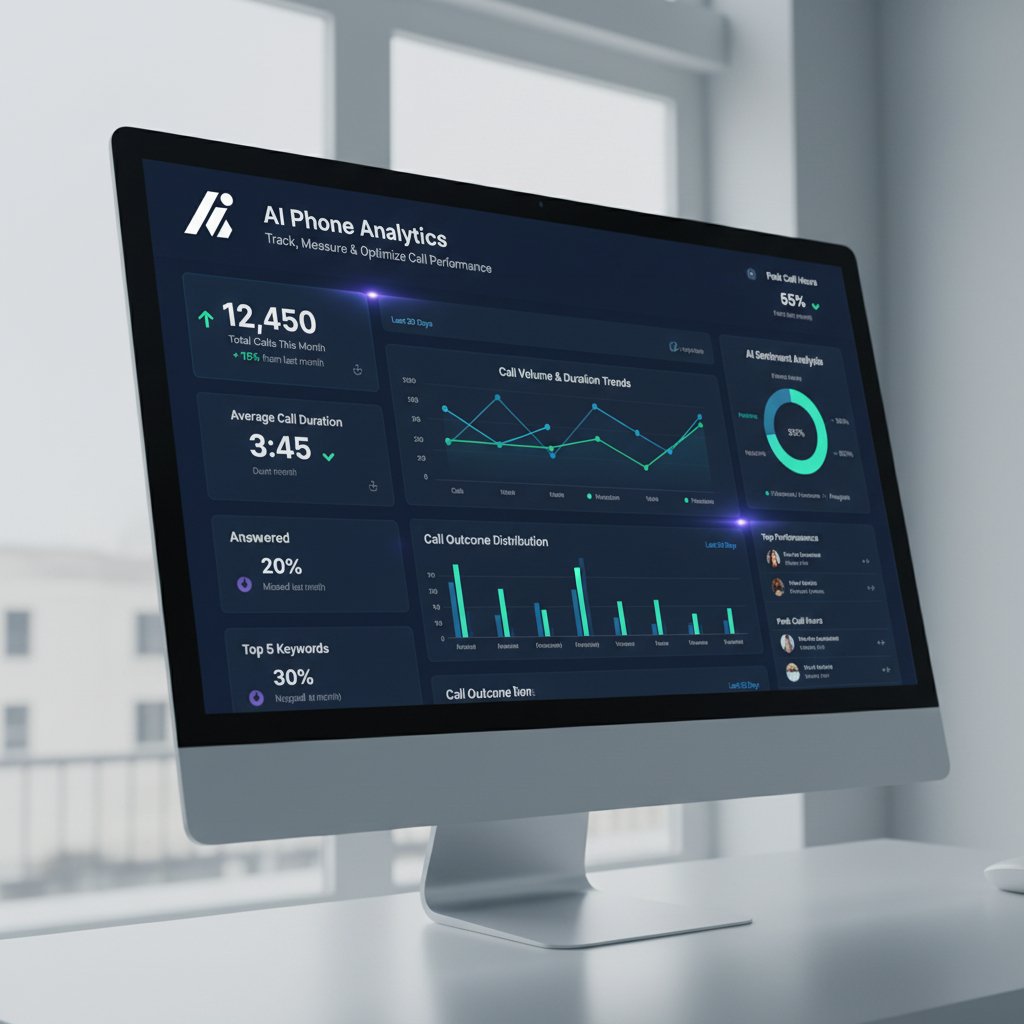
Analytics and reporting. Dive deep into call data with comprehensive analytics. See peak call times, common questions, booking conversion rates, call duration averages, and revenue attribution. Use these insights to optimize your business operations and marketing.
Custom workflows. Build sophisticated call flows for complex scenarios. For example, a dental practice might create a workflow that asks new patients about their insurance, collects medical history information, explains first-visit procedures, schedules an appointment, and sends pre-appointment paperwork—all in one AI-powered call.
Team collaboration features. Enable multiple team members to access the dashboard, listen to call recordings, review transcripts, and manage follow-ups. Assign calls to specific team members and track completion.
Your Next Steps: Launch Your AI Phone Agent Today
You now have everything you need to set up your AI phone agent in under 10 minutes. The process is straightforward: create your account, connect your phone number, train your AI agent with your business information, set call routing rules, and test before going live.
The question isn't whether you should set up an AI phone agent. The real question is: how much longer can you afford to miss calls, lose after-hours opportunities, and burden your team with repetitive phone tasks?
Every day without an AI phone agent is a day of missed opportunities. Missed calls become lost revenue. After-hours inquiries go to competitors. Your staff spends valuable time on routine scheduling instead of serving customers.
Starting your free trial takes less than two minutes. There's no credit card required, no long-term commitment, and no risk. You'll be capturing every call and booking more appointments before lunch today.